Azure Lab Services retires on 28 June 2027
Student labs for schools. Pay for the hours you use.
Windows and Linux machines in the browser, for cybersecurity and the rest of a course. Set the term length and the hours each student gets. A student who never opens the lab costs nothing.
Built around how a term actually runs
Hours per student, with a hard stop
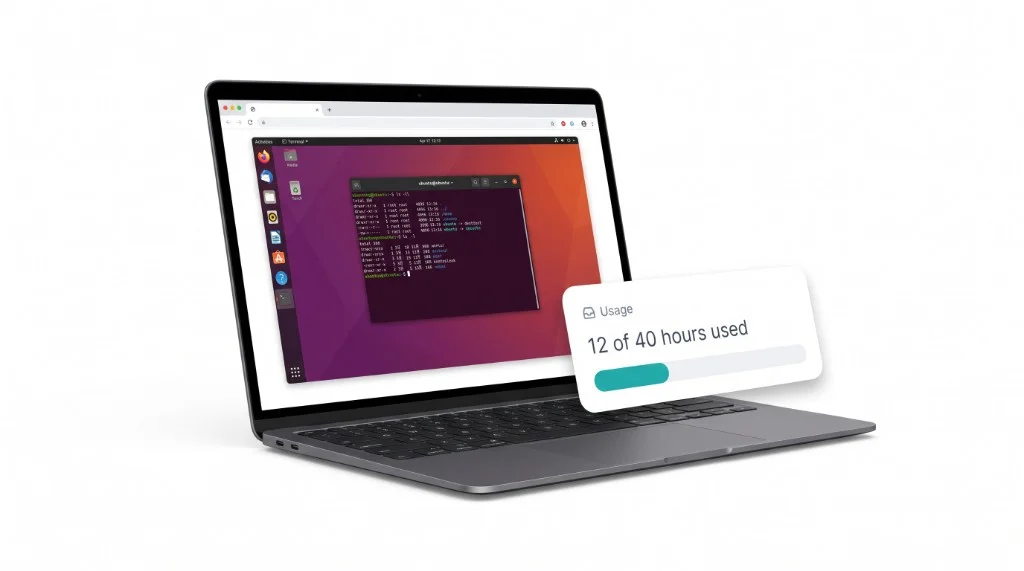
Give each student 40 hours for the term, add more to one student, and the machine stops at the limit. The hours they use are the hours the school pays for.
Your staff build the image
Start from a fresh Ubuntu or Windows desktop, install what the class needs, and save a version. Labs stay on that version until you move them.
Shuts down when nobody is using it
A machine ends 30 minutes after the student closes the tab, or after two hours with no keyboard or mouse. You never pay for a lab left running over the weekend.
A term that ends on the date you set
Set an end date on each lab. Machines end and Start is refused after it. Move the date and the lab reopens.
The teacher sees the class
Who is on, whether the console is open, the hours each student has used, and why a machine ended.
Reset to the image
The teacher or the student can reset a machine back to the lab image in one click.
Windows and Linux in the browser
Students open a full desktop in a browser tab, on a Chromebook or a library PC. No client, no VPN, and no RDP files.
Cybersecurity labs, isolated
A nested virtualization size runs a hypervisor inside the student's Linux machine, for Kali and network exercises. Class machines have no public address and no internet.
How it works
1. Build the image
Your lab technician opens a fresh Ubuntu or Windows machine in the browser, installs the class software, and saves it as version 1.
2. Create the lab
The teacher picks the image, sets the term's end date and the hours each student gets, and pastes in the students' emails.
3. Students press Start
Each student gets their own machine in the browser. The teacher sees who is on, the hours each student has used, and can reset anyone.
What happened
15 July 2024
Azure Lab Services stopped taking new customers.
Since then
Microsoft pointed customers at four partners. A UK training provider spending £300 to £700 a month posted that every partner said it was too small, and Microsoft's reply agreed the partners “often require minimum spending”.
28 June 2027
Lab Services shuts down. Every school still on it needs somewhere else to run its labs before the next term.
Hyperamplify Labs is for the colleges, universities, training providers, and cybersecurity programs left in that gap: a few hundred students, a teacher or a lab technician who sets the labs up, and a budget measured in hundreds of dollars a month, not a six-figure contract. Read the full story.
Fast labs on Google Cloud
We run lab machines on Google Cloud. One request to Google asks for up to a thousand machines at once, so a whole class pressing Start at nine o'clock is asked for in seconds, not queued for minutes. Lab machines have no public address, by policy, and nobody reaches them except through our browser console.
Why we chose Google CloudPricing
You pay for the hours machines run, with a $49 monthly minimum. A student who never opens the lab costs nothing.
Ubuntu desktop
$0.50
per running hour
Windows desktop
$0.75
per running hour
Monthly minimum
$49
per organisation
A 50-student class, 10 hours a week, for 4 weeks
| Offer | How they charge | That class |
|---|---|---|
| Skillable | About $1.16 to $1.20 per small VM-hour, all in | about $2,300 to $2,400 |
| CloudLabs, managed | $6 per active user per month, plus cloud at about $0.18 an hour | about $660 |
| Apporto, fully managed | $27 to $101 per concurrent user per month | $1,350 to $5,050 if all 50 are concurrent |
| Hyperamplify Labs | $0.50 per Ubuntu hour, $0.75 per Windows hour, $49 a month minimum | about $1,050 on Ubuntu |
Competitor prices are from their public pages, checked 30 September 2026, and are not quotes. Check with each vendor. Our figure is 2,100 running hours, including 30 minutes after each sitting.
Read before you choose
story
Azure Lab Services is retiring: what happens on 28 June 2027
The dates, what Microsoft recommends instead, what does not carry over, and what a small college should do this term.
story
Why Hyperamplify Labs exists
Our mission: classroom labs for the small colleges, training providers, and teachers that the Lab Services shutdown left without an option.
guide
Azure Lab Services alternatives for small colleges and training providers
The options after June 2027, what each costs for a 50-student class, and which kind of college each one suits.
comparison
Hyperamplify Labs vs Skillable
Skillable is a Microsoft-recommended Lab Services partner priced per VM-hour. How it compares with Hyperamplify Labs for a small college.
comparison
Hyperamplify Labs vs CloudLabs
CloudLabs by Spektra Systems is a Microsoft-recommended Lab Services partner with a per-user price. How it compares with Hyperamplify Labs.
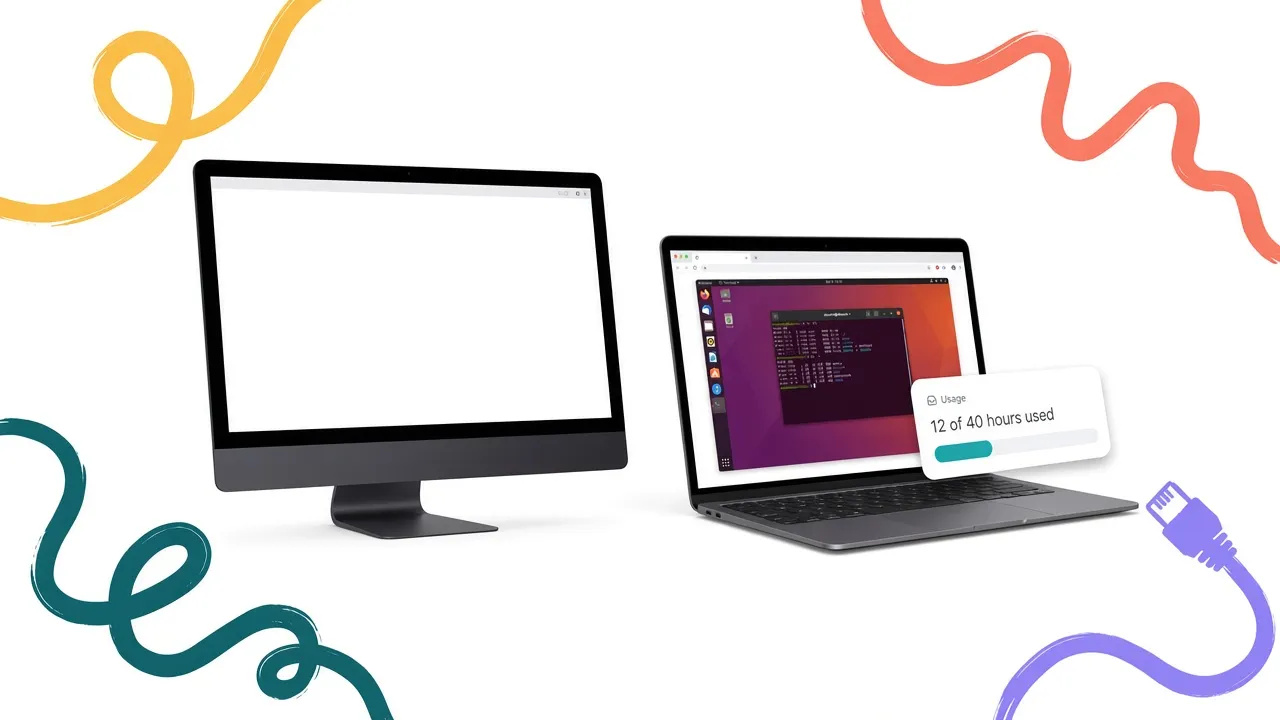
comparison
Hyperamplify Labs vs Apporto
Apporto is a Microsoft-recommended Lab Services partner selling virtual desktops per user. How it compares with Hyperamplify Labs for classroom labs.
comparison
Microsoft's replacements for Lab Services, and why they are not a lab product
Azure Virtual Desktop, DevTest Labs, Windows 365, and Dev Box compared against what a classroom lab actually needs.
story
Why we chose Google Cloud for fast labs
A whole class pressing Start at once, machines with no public address by policy, and a console that needs no VPN. Why Hyperamplify Labs runs on Google Cloud.
guide
Replacing Lab Services quota hours: hours per student and term end dates
The Lab Services control customers miss most, and how Hyperamplify Labs handles hours per student, extra hours, and the end of term.
guide
Cybersecurity labs in the browser: Kali, nested virtualization, and no internet
What ethical hacking and Windows Server courses need from a lab platform, and how Hyperamplify Labs provides it.
Get started
Tell us about your school and book a 30-minute onboarding call. We set up your first lab from there.
Get startedRequest information
Pricing for your class sizes, images, hours per student, or moving off Lab Services. We reply personally.
Request informationQuestions
- How do we get started?
- Book a 30-minute onboarding call. We go through your labs, students, and term dates, and set up your first lab from there.
- Do students keep their work between sessions?
- No. Every start is a clean machine from the lab image, so you pay only for the hours it runs.
- Can students sign in with our Microsoft accounts?
- Staff and students join by email invite. Sign-in through a school's Microsoft accounts is not part of the product.
- Do we need an Azure, Google, or AWS account?
- No. Machines run in our Google Cloud account and you get one bill from us.
- Can we bring our Lab Services images?
- Not as a disk upload. Your staff rebuild the image from a fresh Ubuntu or Windows desktop in the browser, which most migration guides recommend anyway.